

What you’re building
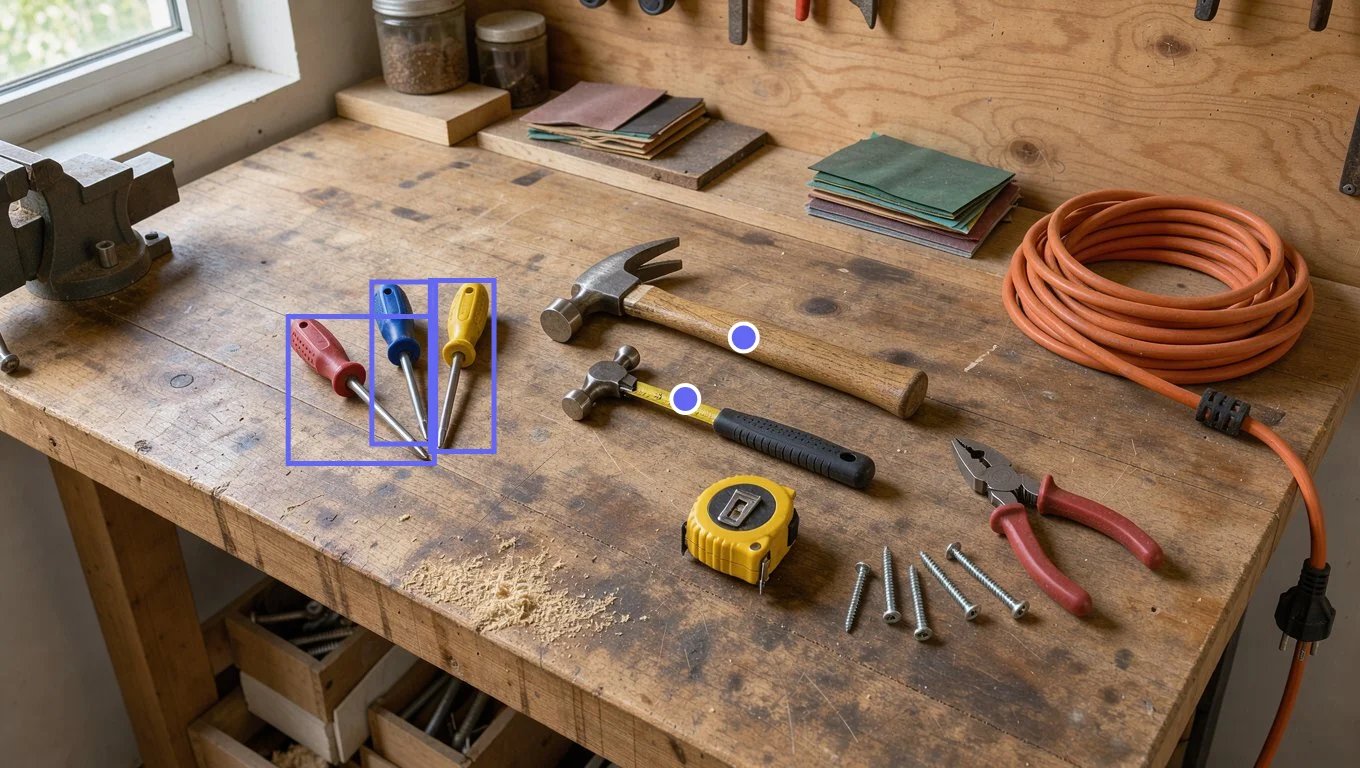
Boxes around every screwdriver and a point on each hammer, from two requests to Moondream 3.1. Each request took under two seconds.
/detect {"object":"screwdriver"} and the model returns a bounding box for every match. Start it with /point {"object":"hammer"} and it returns one point per match. Both come back as JSON in the output_text part of the message output item, with coordinates from 0 to 1 relative to the image, so you need no detection API, schema, or prompt engineering.
By the end, you will have a script that:
- Asks for bounding boxes around one kind of object.
- Asks for a point on each instance of another.
- Draws the boxes and points on the photo and saves it as a PNG.
Before you start
You need:- An OpenRouter API key available as
OPENROUTER_API_KEY - Bun, or Node.js 22.18 or newer (both run TypeScript files directly)
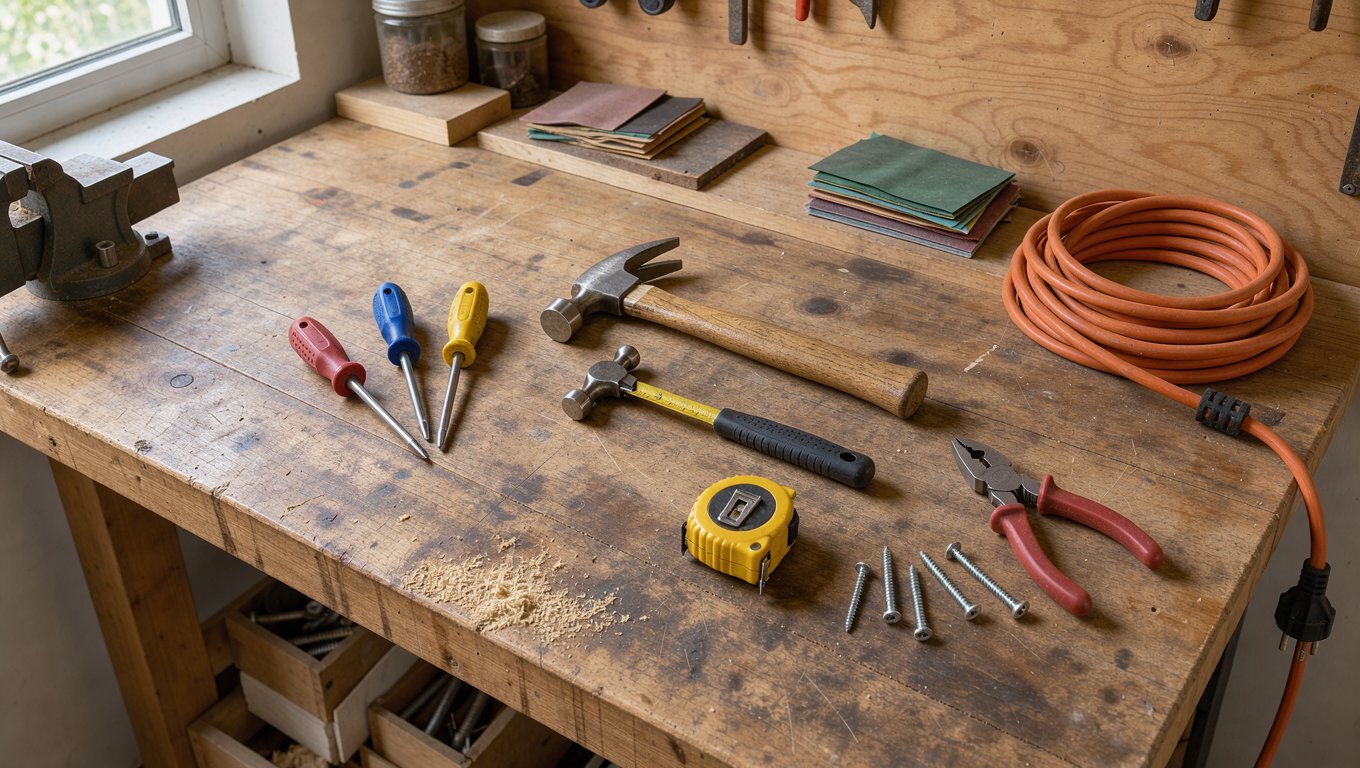
sharpto load and draw on the image:npm install sharp- A JPEG, PNG, WebP, or GIF photo. To follow along exactly, download the workbench photo used on this page and save it as
workbench.jpg.
moondream/moondream3.1-9b-a2b. moondream/moondream3-preview takes the same commands. See the Moondream 3.1 model page for pricing, and Image Understanding for the ways to send images.
Step 1: Find every match with /detect
Createfind-objects.ts. The loadImage helper turns the photo upright and reads its format: Moondream reads the stored pixels and ignores the EXIF orientation tag that phone cameras set, so a phone photo would otherwise come back with coordinates for a sideways image. The locate helper sends one image and one command, and returns the array of matches. The command must be the first thing in the text part, and its argument must be a JSON object with an object key.
bun find-objects.ts or node find-objects.ts:
x_min, y_min) and bottom-right (x_max, y_max) corner as a fraction of the image width and height, measured from the top-left of the image. When nothing matches, the model returns {"objects": []}.
The object value can be a short description as well as a noun. {"object":"red-handled screwdriver"} returns one box, around the red one only.
Step 2: Mark each match with /point
/point returns one point on each match instead of a box, which is all you need to count things or to pass a click target to an agent. Add these lines to the end of the script:
Step 3: Draw the results on the image
Multiply the fractions by the image size to get pixels, build an SVG with a rectangle per box and a circle per point, and letsharp lay it over the photo. Add this to the end of the script:
annotated.png to see the image at the top of this page. To crop a match out instead of drawing it, pass the same pixel values to sharp(image.data).extract({ left: x, top: y, width: w, height: h }), rounded to whole numbers.
Troubleshooting
Moondream returns the same error for every malformed command:Provider returned error, with "message":"Invalid request." inside error.metadata.raw.
Check your work
The script should print three boxes for the screwdrivers and two points for the hammers, then saveannotated.png with a box around each screwdriver and a dot on each hammer. Point it at your own photo with bun find-objects.ts my-photo.jpg and change the two object strings to what you want to find. Small, tightly packed items can be missed, so check the count against the image before you rely on it.