

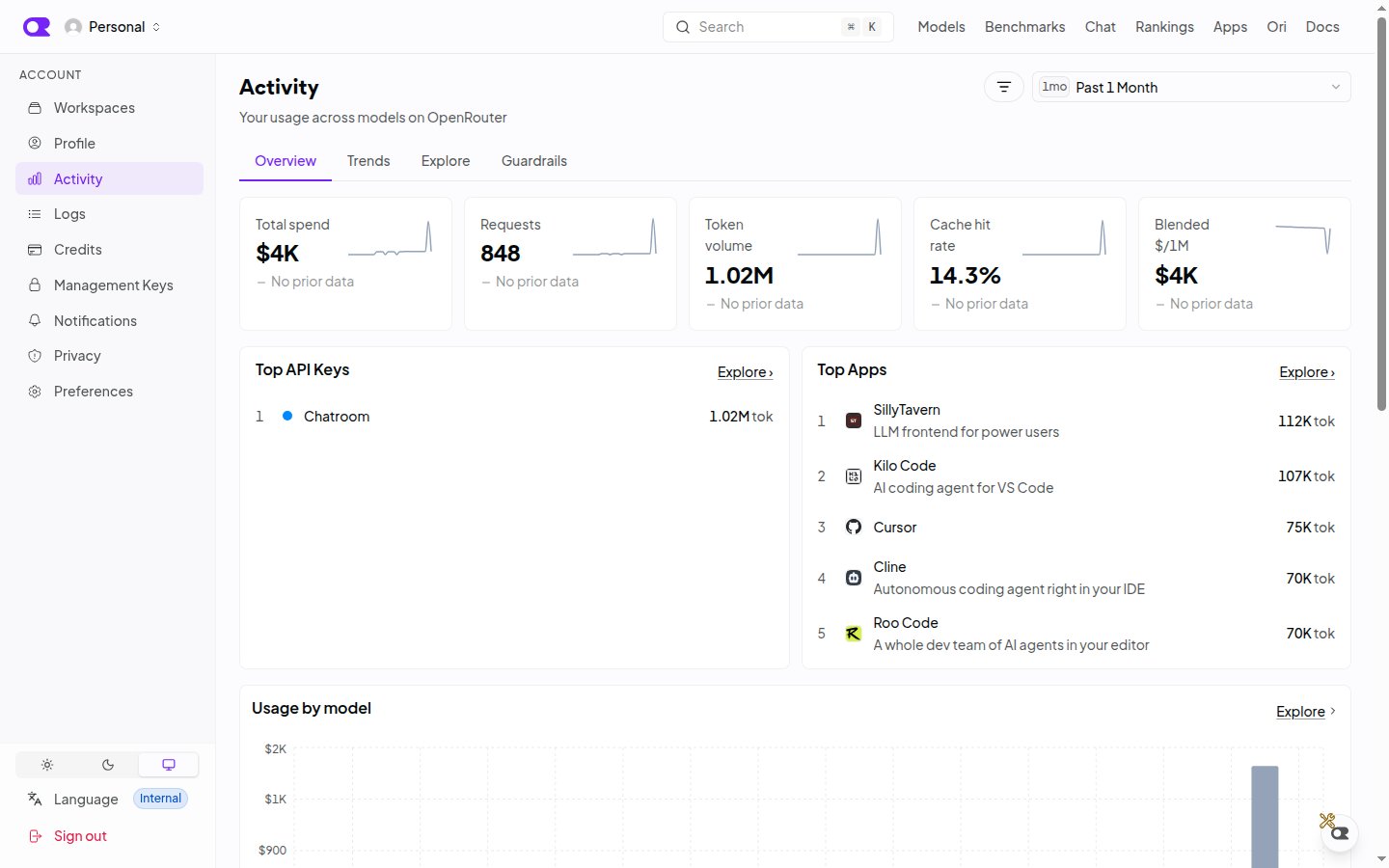
Tabs
Every tab shares the same date range and filter state, which is stored in the URL. Switching tabs keeps your filters, so you can move from an Overview anomaly to Trends to Explore without re-entering them.
Filtering
The filter bar accepts user, model, provider, API key, and modality (depending on the tab). Organization accounts can filter by member. From most cards you can jump directly to View logs or Open in Explorer with the same filters applied.Explore
Explore is the most flexible view. Its controls are:- Metric: what to measure, such as spend, requests, or tokens.
- Group and Subgroup: one or two dimensions to break the metric down by, with a Limit and Rank by setting for how many series to show. Series beyond the limit are collapsed into an “Other” row.
- Rollup: the time bucket for the chart, or none for a flat ranking.
- Cumulative sum: available when a time rollup and an additive metric are selected.
Exporting
Explore results can be downloaded as CSV or PDF. Exports respect the current filters and date range. For a step-by-step guide to producing usage reports grouped by API key, model, or organization member, see Activity Export.API access
The same aggregates are available programmatically with a Management API key.
For a worked example of running a cost review against the query endpoint, see Analytics cost control.
Related
- Logs: inspect the individual generations behind any number on this page.
- Broadcast: send per-request traces to your own observability platform.
- Management API Keys: programmatic access to key-level usage.